Microsoft Ignite Facts and Fiction: Separating the Event Myths from Enterprise Reality
Jan 05, 2026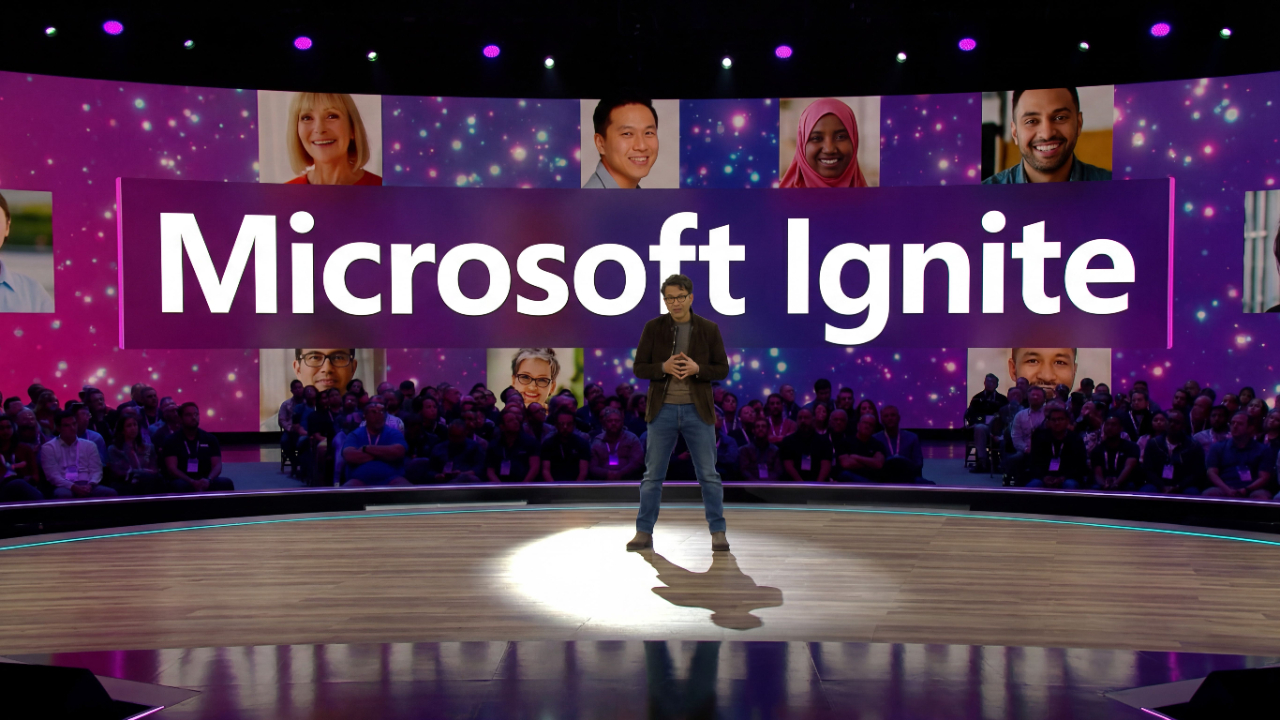
Written by Sabine VanderLinden
Introduction
Microsoft Ignite 2025 delivered concrete AI innovations and enterprise solutions that directly impact how organizations approach digital transformation—not marketing buzzwords, but production-ready tools and strategic roadmaps. Held November 18-21 at the Moscone Center in San Francisco, this annual event drew more than 200,000 registered attendees, more than 20,000 boots on the ground, and offered over 400 sessions, demos, and hands-on labs covering the full spectrum of Microsoft cloud, AI agents, and Microsoft 365 capabilities.
Microsoft Ignite is an annual conference for IT professionals, developers, and partners focusing on Microsoft's latest technology, particularly in AI, Cloud, and Security. The official Microsoft Ignite website provides registration details and updates about the event. The event features keynotes, technical sessions, hands-on labs, and expert Q&As, with both in-person and online attendance options. Attendees could also take advantage of certification exams and hands-on labs to earn credentials in areas such as AI and cloud technologies. I was invited by the EY + Microsoft Alliance team to attend Microsoft Ignite to learn how to become an Agentic Frontier Firm in 2026.
Software plays a foundational role at Ignite, enabling the deployment, protection, and management of AI, cloud services, and enterprise apps across platforms. Support features in AI integrations were highlighted to enhance productivity and security for users and IT administrators. Web-based components and integrations were also a key part of the Ignite content, reflecting the importance of web applications and data in modern enterprise solutions.
Why Microsoft Ignite?
Here's what separates Ignite from the usual vendor parade: over 400 sessions that aren't just product demos dressed up as insights, but hands-on labs where you actually build with AI agents, dissect Microsoft 365's latest tricks, and stress-test cloud architectures until they either sing or break. AI agents, as discussed at Microsoft Ignite, are software entities that automate and manage tasks across Microsoft platforms, with a focus on productivity, security, and collaboration. You're not watching from the sidelines — you're in the room with the engineers who wrote the code, the product leaders who dreamed the roadmap, and the partners who've already survived the implementation trenches. The Microsoft Ignite Book of News drops like a strategy bible, packed with the announcements that will either make your next quarter or leave you explaining to leadership why your competition just leapfrogged your digital strategy.
Whether you're the developer tasked with making AI do actual work instead of parlor tricks, the partner who needs to deliver value that sticks, or the IT leader whose job is keeping the lights on while scaling at enterprise speed — Ignite hands you the playbook, the connections, and the battle-tested insights you'll need when Monday morning comes calling. Because in a world where "rapidly evolving" is code for "blink and you're obsolete," this is where you go to make sure you're writing the future instead of just reading about it.
Who joined Microsoft Ignite 2025?
In general, Microsoft Ignite is designed for IT professionals, developers, business leaders, and partners who are responsible for driving digital transformation, ensuring security and compliance, and leveraging the latest advancements in AI, cloud, and productivity tools. Understanding Microsoft Ignite is crucial for these audiences because it provides actionable insights, strategic roadmaps, and hands-on experience with the technologies that will shape their organizations' future competitiveness and operational efficiency. The event is essential for these audiences because it delivers the knowledge, tools, and connections needed to drive innovation, maintain security and compliance, and ensure organizations remain competitive in a rapidly evolving digital landscape.
Yet persistent myths about Microsoft events like Ignite continue to shape—and sometimes distort—how enterprise technology leaders evaluate announcements, allocate budgets, and plan implementations. These misconceptions affect everything from AI adoption timelines to security tools deployment strategies, it is why the Book of News becomes so helpful.
Here are three damaging myths about Microsoft Ignite that derail enterprise planning, along with the facts that enable customers to deliver tangible outcomes from the next wave of Microsoft innovation. The event attracts IT professionals, developers, and business leaders from around the world—join to learn, connect, and access innovations. Microsoft Ignite offers a comprehensive platform for learning, networking, and collaboration.
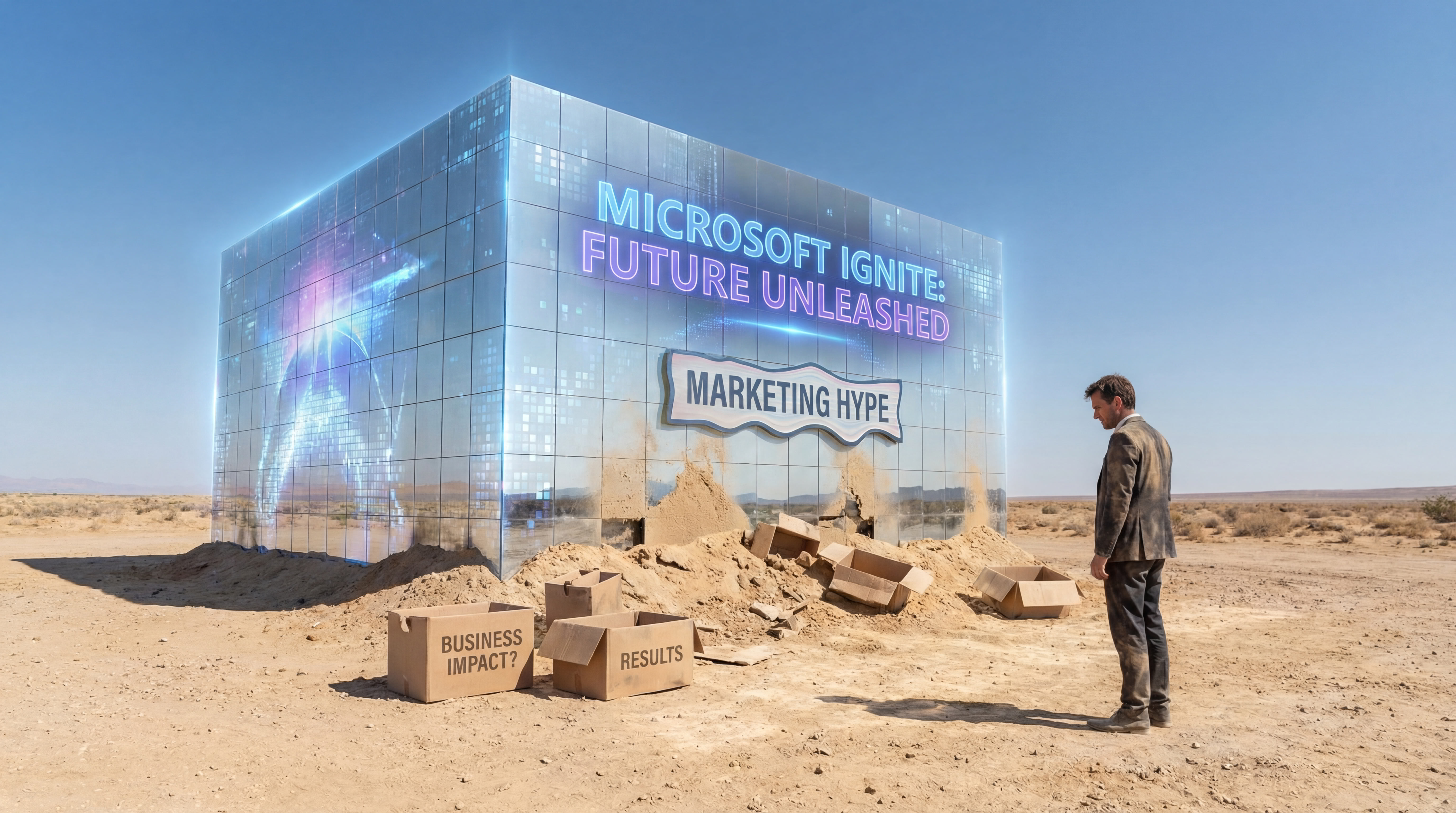
Myth #1: Microsoft Ignite Announcements are Just Marketing Hype Without Real Business Impact
Announcement Details
Fiction: Ignite announcements are primarily marketing events with limited practical value for day-to-day operations.
Fact: Microsoft Ignite delivers concrete enterprise solutions with measurable business outcomes that organizations deploy within months of announcement.
The 2025 event showcased AI-powered apps and agent capabilities that solve complex tasks organizations face daily. AI agents, as discussed at Microsoft Ignite, are software entities that automate and manage tasks across Microsoft platforms, with a focus on productivity, security, and collaboration. These AI integrations provide robust support features that enhance productivity, security, and compliance for both users and IT administrators. Microsoft 365 Copilot, a key topic at Ignite, is an AI-powered assistant integrated into Microsoft 365 apps that helps users automate tasks, generate content, and improve productivity across Word, Excel, PowerPoint, Outlook, and Teams. Microsoft 365 Copilot received significant enhancements, including meeting scheduling directly from chat, with Copilot finding times, booking rooms, drafting agendas, and resolving conflicts automatically. Copilot in Outlook mobile now offers hands-free voice commands to summarize emails and guide users through actions. Additionally, Microsoft 365 Copilot will soon feature dedicated Word, Excel, and PowerPoint Agents that can create high-quality Office content directly from Copilot Chat. The Workforce Insights Agent now provides leaders with real-time, comprehensive views of their organization to support data-driven workforce decisions.
The Dataverse Model Context Protocol (MCP) Server became generally available at Ignite 2025, unlocking integration between AI and enterprise data across more than 1,400 systems, including SAP, Salesforce, and HubSpot. This is production infrastructure that enables developers to build agents that integrate seamlessly with existing business apps.
Microsoft also introduced agent-powered experiences, enabling makers to generate modern, multipage, business-ready applications through chatting with Microsoft 365 Copilot. This workspace intelligently connects design, data, and logic, allowing teams to visualize and modify apps in real time with changes syncing instantly.
Microsoft Foundry, introduced at Ignite, is a platform that enables organizations to build, test, and deploy AI agents and business applications at scale, leveraging Microsoft’s cloud and security infrastructure to deliver robust, enterprise-ready solutions.
Microsoft Agent 365 was introduced as the control plane for managing agents in organizations.
Practical Implications
“Ignite announcements aren’t promises—they’re blueprints with implementation dates. The organizations that treat them as strategic inputs rather than marketing noise gain 12-18 months of competitive advantage.”
Key Takeaways
-
Ignite content includes generally available features ready for immediate deployment
-
AI innovations announced at Ignite directly address enterprise workflow automation
-
Business impact metrics are built into announcement frameworks, not retrofitted
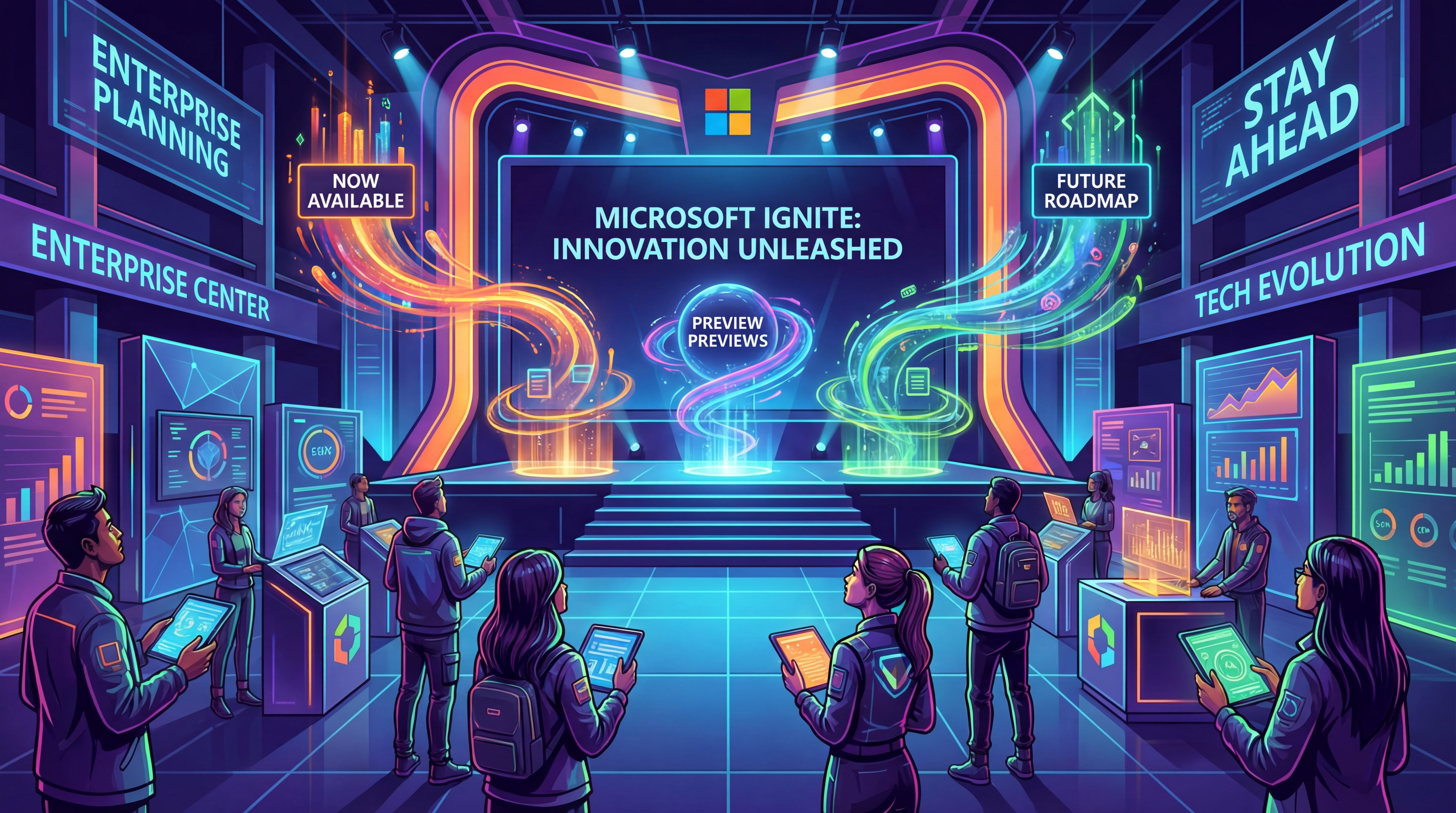
Myth #2: Microsoft Ignite Features are Always Ready for Production Use Upon Announcement
Announcement Details
Fiction: All Ignite announcements are immediately available for enterprise deployment.
Fact: Ignite showcases a mix of generally available, preview, and future roadmap features—and understanding the difference is essential for enterprise planning.
Microsoft’s release terminology matters. At Ignite 2025, the fleetwide agent management capabilities that enable unified observation, control, and governance across Microsoft Foundry, Microsoft Entra, Copilot Studio, and external platforms were launched in preview. As noted above, Microsoft Agent 365 was introduced as the control plane for managing agents in organizations, helping organizations govern agents responsibly and at scale. This means security teams and IT admins can evaluate the technology, but production deployment requires additional validation.
Meanwhile, Azure PostgreSQL performance improvements—enabling transactions and vector search up to three times faster than open-source PostgreSQL—have reached general availability. SQL Server enhancements with GitHub Copilot integration in Visual Studio Code and SQL Server Management Studio 22 also became production-ready.
Windows 365 and Azure compute platforms announced at Ignite included next-generation infrastructure with up to 50% higher performance than Cobalt 100. Software plays a foundational role in cloud infrastructure and application management, enabling organizations to deploy, protect, and manage AI, cloud services, and enterprise apps across various platforms and environments. But the frontier firm capabilities and advanced architecture features follow phased rollout schedules that IT admins must factor into migration planning.
Sensitive data governance and enterprise-grade security features follow rigorous release protocols. The SharePoint Admin Agent uses AI-driven insights to help IT admins maintain a secure and compliant environment. Organizations that deploy agents built on preview infrastructure without proper evaluation risk operational disruption when Microsoft iterates on the technology.
The Teams Admin Agent in the Microsoft Teams admin center allows IT admins to automate and streamline administrative tasks.
Practical Implications
“The smartest enterprise architects I work with treat Ignite as a 24-month roadmap, not a 24-hour deployment sprint. They plan pilots for preview features and production rollouts for GA announcements.”
Key Takeaways
-
Always verify release status (Preview, Private Preview, Generally Available) before planning deployment
-
Build pilot programs for preview features to gain experience without production risk
-
Align enterprise readiness assessment with Microsoft’s stated availability timelines
Recommended Steps:
-
Verify the release status of each feature (Preview, Private Preview, Generally Available) before including it in deployment plans.
-
Build pilot programs for preview features to gain hands-on experience without risking production environments.
-
Align your enterprise readiness assessment and migration planning with Microsoft’s published availability timelines.
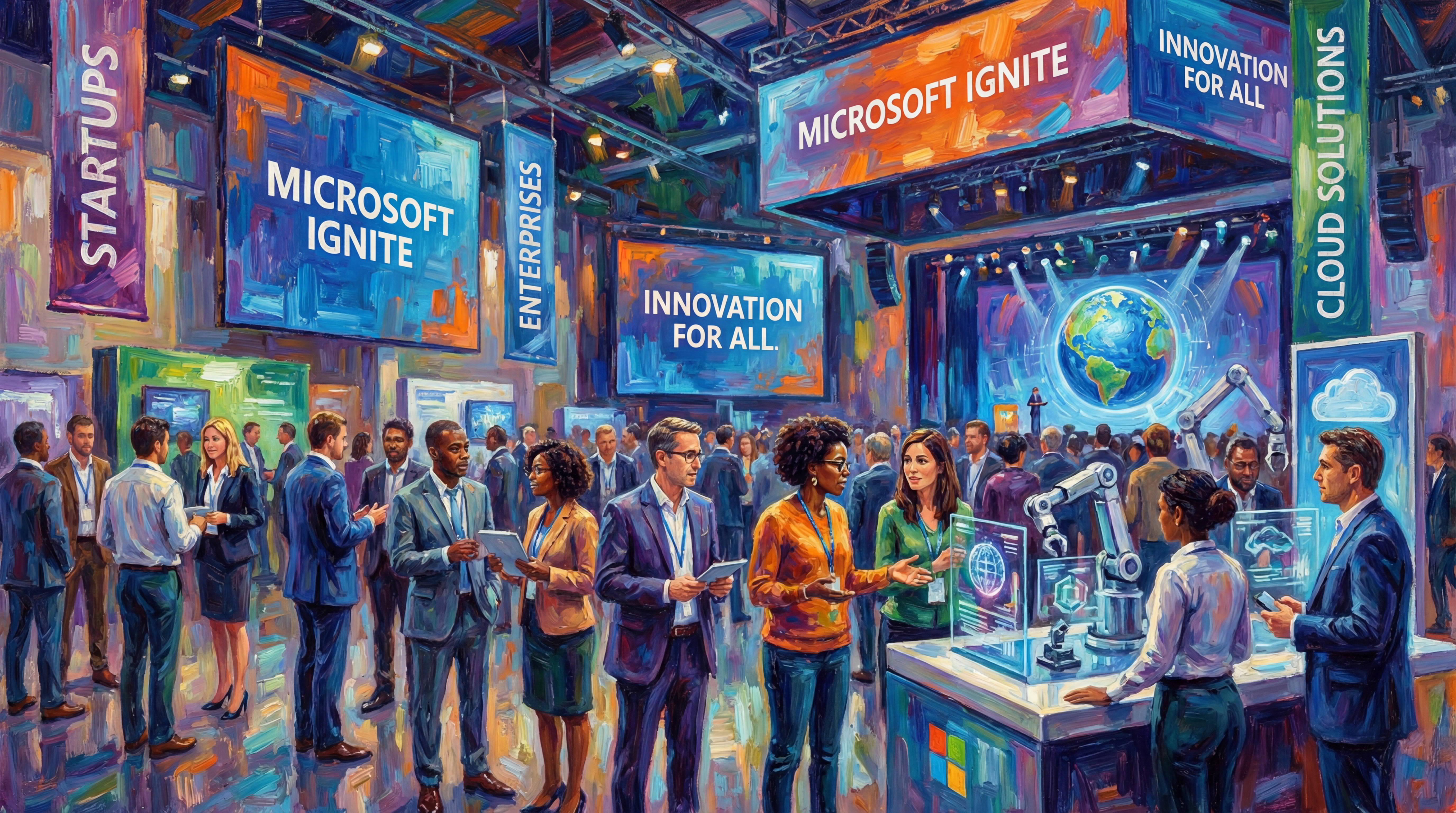
Myth #3: Microsoft Ignite is Only Relevant for Large Enterprise Organizations
Announcement Details
Fiction: Ignite announcements only benefit Fortune 500 companies with massive IT budgets and dedicated Microsoft partnership teams.
Fact: Microsoft Ignite 2025 specifically addresses organizations of all sizes, with scalable solutions designed for commercial users from startups to enterprises.
The merger of Microsoft Inspire into Ignite expanded the event’s focus to include partners serving small and mid-sized businesses. Join Ignite to access these new features and collaboration opportunities, and benefit from solutions previously limited to enterprise-focused sessions that now address the full spectrum of organizational needs.
Microsoft 365 Copilot capabilities announced at Ignite scale from individual knowledge workers to enterprise-scale deployments. Microsoft 365 Copilot Business is designed for small and midsize businesses to automate everyday tasks and scale without complexity. The agent mode features that perform tasks and execute multi-step tasks work identically whether deployed for a 50-person firm or a 50,000-employee organization.
Microsoft Intune enhancements simplify management for organizations without dedicated IT departments. Windows 365 Link and Edge for Business security features protect sensitive data without requiring dozens of security teams. Windows 365 for Agents allows organizations to create enterprise-ready agents that run on secure, policy-controlled Cloud PCs. Windows 365 Cloud Apps enable administrators to deliver specific apps from the cloud without a full Cloud PC experience. These tools deliver enterprise-grade security with administrative overhead appropriate for smaller IT functions.
The hands-on workshops and hands-on labs at in-person events specifically included tracks for partners implementing solutions for SMB clients. Microsoft is collaborating with various partners to integrate Windows 365 into their solutions for agents. Much of the Ignite content remains available on demand, extending accessibility to organizations that couldn’t send teams to San Francisco for in-person events.
Practical Implications
“The AI agents and security tools Microsoft announced at Ignite aren’t priced for Fortune 500 budgets—they’re designed to democratize capabilities that only the largest organizations could previously afford.”
In Microsoft Teams channels, agents can now work with other agents and third-party apps like GitHub, Asana, and Atlassian (Jira), enhancing collaboration and automation capabilities.
Key Takeaways
-
Scalable pricing models make AI innovations accessible to organizations of all sizes, including Copilot for Business as a new licensing tier for small and medium-sized businesses priced at $21 per user per month
-
Simplified administration tools reduce the IT expertise required for deployment
-
Partner ecosystem content addresses implementation for SMB and mid-market organizations
Innovation and Technology: Frontier Firm and Manus AI
Frontier Firm Overview
At the heart of Microsoft Ignite 2025's technology showcase sit groundbreaking initiatives like Frontier Firm and Manus AI — not just as demos, but as the sharp edge of what happens when AI agents stop being clever party tricks and start doing real work. Frontier Firm isn't Microsoft's latest marketing flourish; it's their commitment to pushing AI innovation beyond the comfort zone, delivering agent-mode capabilities that let organizations tackle complex, multi-step tasks with the kind of efficiency and intelligence that makes spreadsheet jockeys weep with joy.
Manus AI Capabilities
Manus AI arrives as part of the next generation of AI-powered apps — and here's what matters: it leverages the advanced model context protocol to deliver deeper insights and relevant actions across enterprise data, not just surface-level automation that breaks when someone sneezes. These innovations enable organizations to deploy agents that don't just perform tasks like obedient robots, but actually adapt to evolving business needs — integrating seamlessly with Microsoft 365, Microsoft cloud, and other business-critical platforms without the usual integration nightmares.
By harnessing the power of Frontier Firm and Manus AI, enterprises can unlock new levels of productivity, automate routine and complex workflows, and gain actionable insights from their work data—the kind that actually moves the needle instead of just generating more dashboards. These tools are designed with enterprise-grade security built in, ensuring sensitive data remains protected while enabling customers to innovate at scale.
The result? A new era of AI-generated summaries, work IQ, and agent capabilities that drive tangible outcomes for organizations across industries — not just promises, but measurable business impact.
Microsoft Ecosystem: The Role of Microsoft Foundry
Foundry Agent Management
Microsoft Foundry isn't just another platform — it's the backstage engineer that makes the AI magic happen at your next Ignite keynote. Think of it as the innovation engine that transforms those "wow, how'd they do that?" moments into enterprise-ready agents and business apps that actually work when Monday morning arrives. Microsoft Foundry, introduced at Ignite, is a platform that enables organizations to build, test, and deploy AI agents and business applications at scale, leveraging Microsoft’s cloud and security infrastructure to deliver robust, enterprise-ready solutions. Foundry gives you — the developer, the partner, the organization trying to make sense of it all — a robust platform where you can build, test, and deploy agents that scale with enterprise muscle, backed by the full arsenal of Microsoft cloud and security tools.
At Ignite 2025, they pulled back the curtain on Foundry's enhanced agent management capabilities — and here's where things get interesting for your IT admins and security teams. You can now observe, control, and govern agents across diverse environments like a conductor managing an orchestra (except the musicians are AI agents and the symphony is your business processes). This unified approach isn't just for management's sake — it simplifies complexity, supports secure deployment, and ensures your agent capabilities can be tailored to your organization's unique needs.
Integration with Microsoft 365
Here's where Foundry shows its true colors: deep integration with Microsoft 365 Copilot, Microsoft Intune, and other core services means you're not building in a vacuum. Your agents can perform complex tasks, automate business processes that used to require three departments and a prayer, and deliver insights that actually matter — all while maintaining that enterprise-grade security and compliance your auditors demand. Through hands-on labs, workshops, and a vibrant developer community (translation: people who actually want to help you succeed), Microsoft Foundry accelerates AI adoption. It empowers you to achieve digital transformation with confidence rather than crossed fingers.
Whether you're ready to deploy agents, desperate to simplify management, or hunting for new business value that doesn't require a PhD to understand — Microsoft Foundry is your foundation for building the next wave of secure, AI-powered solutions within the Microsoft ecosystem to help you create a future built on solid ground.
Strategic Takeaways from Microsoft Ignite
The next wave of industry leaders won’t be those who attend the most sessions—they’ll be those who translate Ignite announcements into strategic advantage through accurate evaluation and disciplined implementation. I review the Microsoft Ignite digital sessions on my desktop every week, and I must say the transformation underway is incredible.
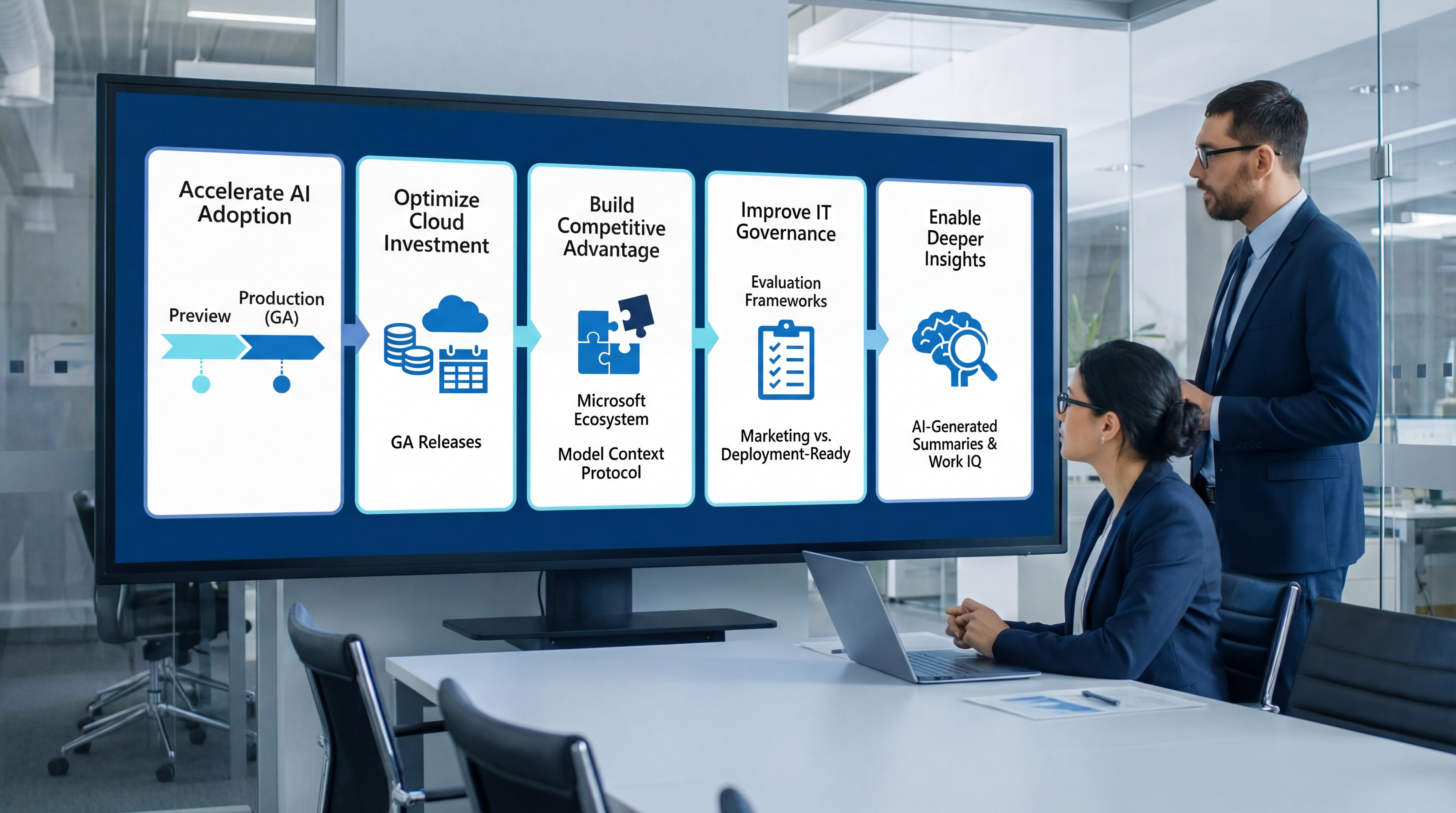
By replacing fiction with fact, organizations can:
-
Accelerate AI adoption with realistic timelines that account for preview versus production availability
-
Optimize cloud investment by understanding feature maturity and planning migration around GA releases
-
Build a competitive advantage by integrating the Microsoft ecosystem through tools such as the Model Context Protocol.
-
Improve IT governance with proper evaluation frameworks that distinguish marketing announcements from deployment-ready features.
-
Enable deeper insights by leveraging AI-generated summaries and Work IQ capabilities appropriately.
Microsoft Ignite serves as the definitive roadmap for digital transformation across the Microsoft cloud portfolio. The 2025 event offered industry leaders a preview of new capabilities that will shape enterprise technology strategy for years—but only for those who understand what’s ready now versus what’s on the horizon.
The future of enterprise technology isn’t about adopting every announcement. It’s about strategic selection, proper timing, and implementation that delivers real outcomes while maintaining the security and stability your organization requires.
Great Follow-up Article to Read
Beyond the Demo: The Messy, Honest Truth About Becoming an Agentic Frontier Firm
Here Is the Honest Truth About Becoming an Agentic Frontier Firm
Your Blueprint for Becoming an Agentic Frontier Firm
Beyond the Demo: Your C-Suite Blueprint for Becoming a True Agentic Frontier Firm
Frequently Asked Questions (FAQ)
Q1: What is Microsoft Ignite?
Microsoft Ignite is an annual event hosted by Microsoft that brings together IT professionals, developers, and industry leaders to explore the latest advancements in Microsoft technology, with a focus on AI, cloud, security, and enterprise solutions. It features keynotes, technical sessions, hands-on labs, and networking opportunities, both in person and online.
Q2: When and where was Microsoft Ignite 2025 held?
Microsoft Ignite 2025 took place from November 18-21 at the Moscone Center in San Francisco, California, attracting over 200,000 registered attendees globally, with more than 20,000 attending in person. The next Microsoft Ignite is scheduled for November 17–20, 2026, in San Francisco again.
Q3: Who should attend Microsoft Ignite?
The event is designed for IT professionals, developers, business leaders, partners, and anyone interested in Microsoft technologies and digital transformation, regardless of organization size.
Q4: What types of sessions are available at Microsoft Ignite?
Attendees can choose from over 400 sessions, including in-depth technical workshops, hands-on labs, expert Q&A Sessions, and demos covering AI agents, Microsoft 365, Azure, security tools, and more.
Q5: Are Microsoft Ignite sessions available after the event?
Yes, much of the Ignite content is made available on demand, allowing attendees and those who could not attend live to access sessions and materials at their convenience.
Q6: What is Microsoft Agent 365?
Microsoft Agent 365 is the control plane for managing AI agents within organizations, enabling IT admins and security teams to govern, observe, and control agents responsibly at enterprise scale.
Q7: How does Microsoft support AI adoption for small and medium businesses?
Microsoft offers scalable solutions, such as Microsoft 365 Copilot Business, designed to automate everyday tasks and scale without complexity, and tools like Windows 365 for Agents that provide enterprise-grade security with manageable administration.
Q8: Can AI agents in Microsoft Teams interact with other apps?
Yes, agents in Microsoft Teams channels can now work with third-party apps such as GitHub, Asana, and Atlassian (Jira), enhancing collaboration and automation capabilities.
Q9: What security measures are in place for AI agents?
Microsoft integrates enterprise-grade security tools, including Microsoft Defender, Microsoft Entra, and Microsoft Purview, to ensure AI agents operate securely, protect sensitive data, and comply with organizational policies.
Q10: How can I stay updated on future Microsoft Ignite events?
Updates and registration details for upcoming Microsoft Ignite events are available on the official Microsoft Ignite website. The next event is scheduled for November 17–20, 2026, again in San Francisco.
Editor in Chief

Rebuilding Risk Resilience